

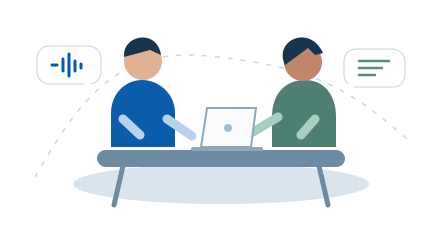
 01MeetingsRead the discussion in two languages. Replay the recording to check the details.
LIVE TRANSCRIPTION & TRANSLATION
Listen.
Understand.
Transcribe and translate audio on your Mac, live. Read both languages side by side, or float the original captions over your other apps.
14-day trial · Apple Silicon · macOS 15+
Local transcription & translation.Local models. Offline after downloading.
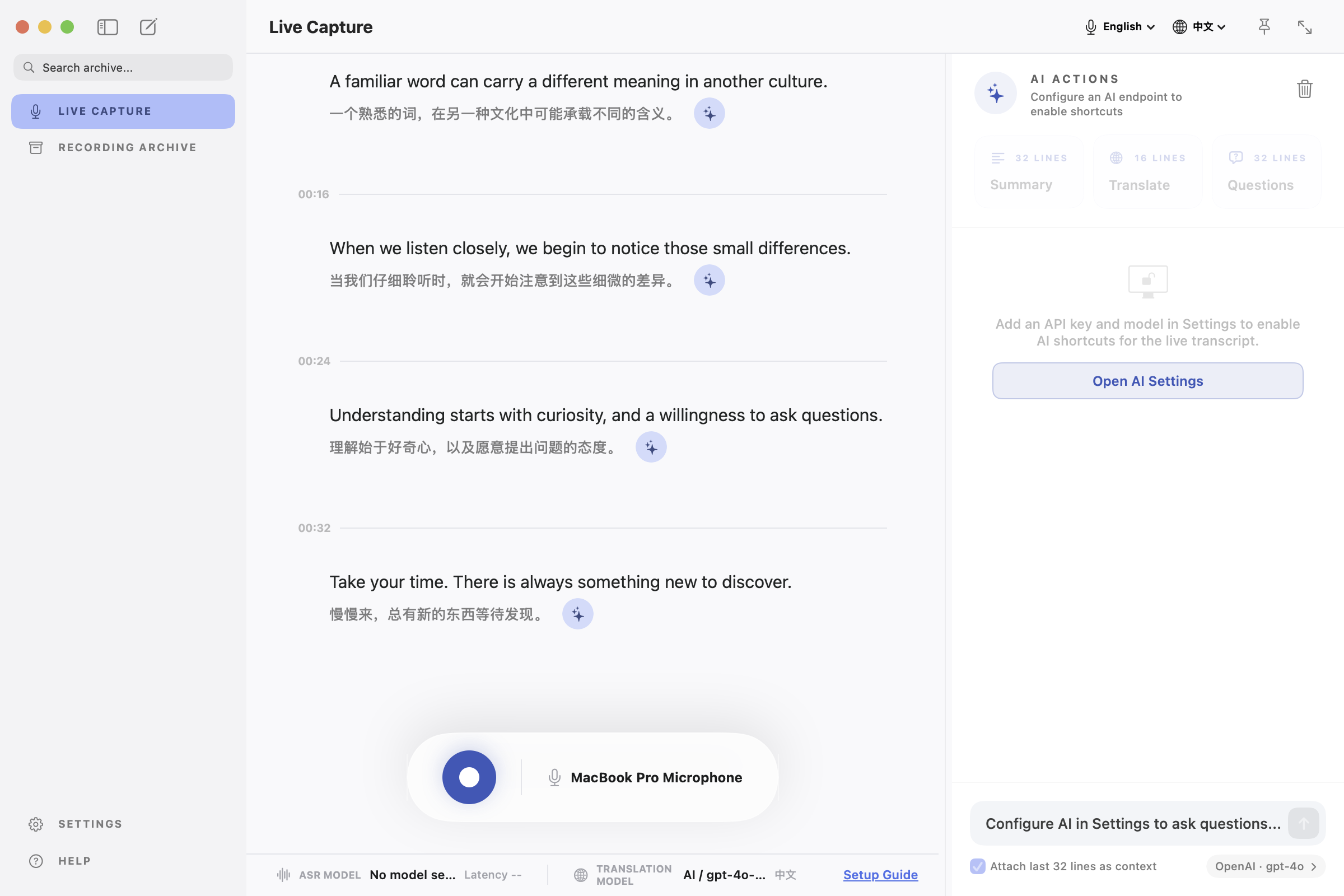
01Live bilingual text
02Record, replay & export
03Pay once for version 1
EVERYDAY USE
Meetings, classes and videos.
01MeetingsRead the discussion in two languages. Replay the recording to check the details.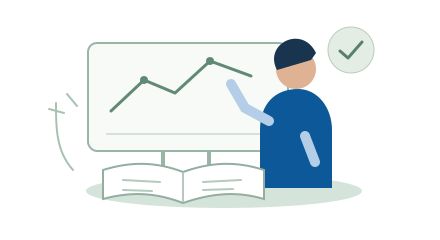 02LecturesRead a translation as you listen, then export the transcript for review.
 03VideosTranscribe audio playing on your Mac. Keep floating captions above the player.
HOW IT WORKSLive text.
Live text.
Saved for later.
Choose an audio source, start transcription, and save the session on your Mac.
- 01
Choose your audio source
Capture your microphone or audio playing on your Mac. Pick your source and target languages.
- 02
Read live captions
Compare the original and translation in the full window. Switch to the HUD for floating original-language captions.
- 03
Replay and export
Save your recording, replay it with timestamps, and export plain, bilingual, or timestamped text.
YOUR RECORDING ARCHIVE
Weekly team meeting
English → Chinese · Audio attached
04:12 / 18:421×
04:12“Let's start with one good question.”
ON-DEVICE PROCESSINGDownload once.
Download once.
Work offline.
With local models, your audio and text are processed on your Mac. Download the models once, then transcribe and translate without an internet connection.
Prefer a cloud provider? Bring your own key.Optional cloud modes send relevant content to the provider you select. Provider usage is billed separately. Version 1 has no Sayloom cloud sync service.
SIMPLE PRICING
Buy once.
Buy once.
Use it forever.
One payment unlocks Sayloom 1.x on your Mac, with every 1.x update included.
No subscriptionAll 1.x updates
Future major versions may be paid upgrades.
Sayloom 1LAUNCH PRICE
US$39.99US$59.99
One payment. Yours to keep.First 30 days of release
- Live transcription & bilingual translation
- Local models & floating captions
- Recording, playback & text export
- AI tools & all 1.x updates
Mac App Store
Download free. Unlock with one in-app purchase.
Restore your purchase with the same Apple Account.
App Store prices vary by region. Optional cloud API fees are separate.
SUPPORT
Frequently asked questions.
Does Sayloom work offline?
Yes, when you use local transcription and translation models after downloading them. App and model downloads, purchasing, and restoring purchases require internet access. Optional cloud providers require an ongoing connection.
What Mac do I need?
An Apple Silicon Mac running macOS 15 or later. Memory needs, speed, and language support depend on your chosen models. Test the bilingual workflow on your Mac during the trial before purchasing.
Which languages are supported?
Language support depends on your selected transcription and translation models. Start with English and Chinese, and check the available model's language list before relying on a different pair.
Is this a subscription?
No. One purchase unlocks Sayloom 1.x permanently and includes all 1.x updates. Future major versions may require a separate upgrade. Optional third-party API charges are paid to your provider.
How do I buy and restore Sayloom?
Download Sayloom from the Mac App Store and try it free for 14 days. Unlock Sayloom 1.x with a one-time purchase inside the app. To restore, use the same Apple Account and select Restore Purchases in the app.
Will it record my microphone and system audio together?
Version 1 lets you choose a microphone or system audio as the input source. Combined capture is not part of the current release scope. macOS permissions are needed for the source you choose.
Try it on your Mac.
Apple Silicon · macOS 15+